

Smart lighting has evolved rapidly in recent years, and Philips Hue Connected Lighting is one of the best and most innovative systems available on the market. With a range of smart products and features, you can transform every corner of your home with the perfect light. 🌟
What is Philips Hue Connected Lighting?
Philips Hue is a smart lighting system that allows you to control the lighting in your home using your mobile phone or voice assistants such as Google Assistant, Amazon Alexa or Siri. The system includes a variety of bulbs in different intensities and colors, LED strips and compatible accessories. 🎨💡
Why is Philips Hue so special?
Philips Hue gives you incredible flexibility, whether you want to create a relaxing atmosphere with warm light or illuminate a work room with cool light. What’s more, you can set the light to change automatically according to your daily schedule, saving energy and making your home more comfortable.
Hue Bridge Console: the heart of your smart system
One of the most important elements of the Philips Hue system is the console Hue Bridge. It allows you to control up to 50 devices simultaneously, giving you access to all the smart features Philips Hue has to offer. 😍
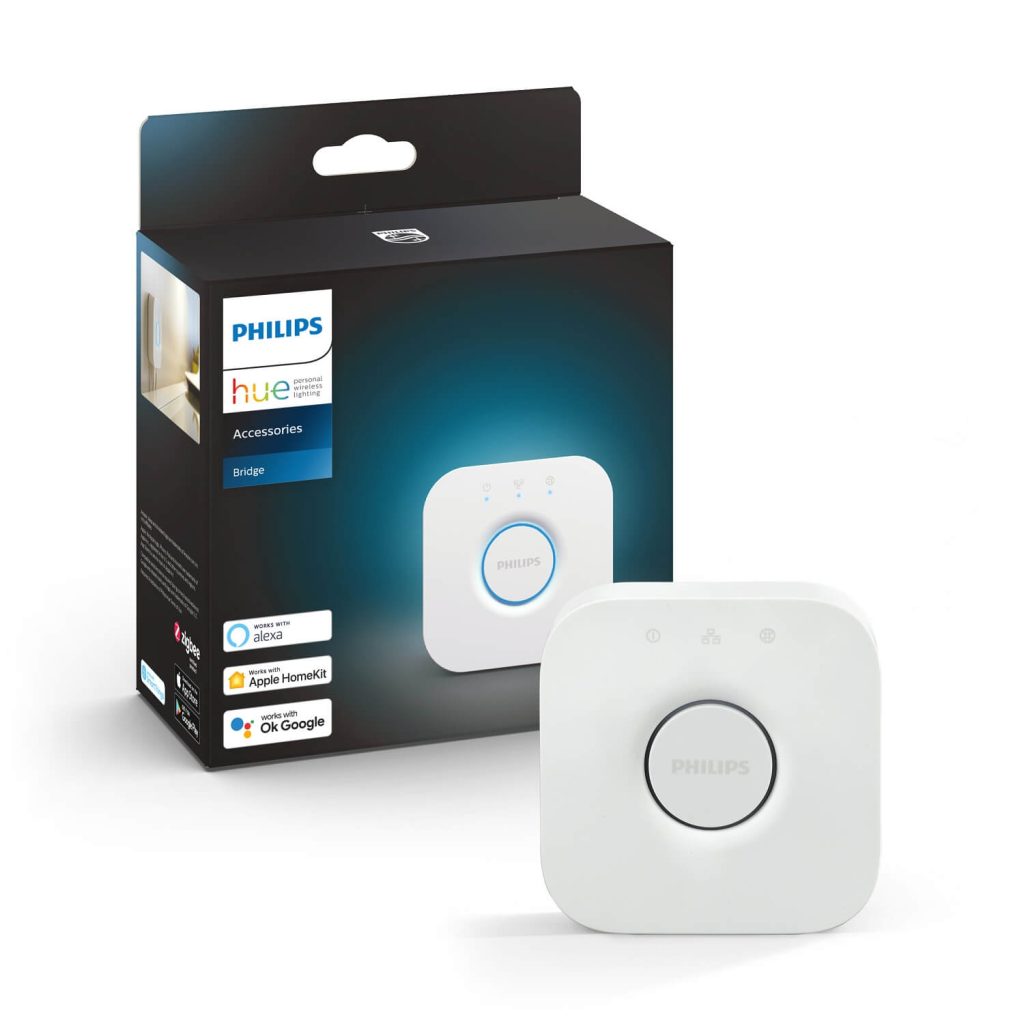
Without the Hue Bridge console, you can control a limited number of lights (up to 10 devices) using Bluetooth alone, but this mode has significant limitations. With Hue Bridge connected to your internet, you’ll be able to:
- Control lights remotely, no matter where you are 🏖️
- Set customized light scenes for different rooms or areas
- Program lights to turn on automatically when someone gets home or turn off when everyone leaves
- Set timers and schedules to simulate presence when you’re on vacation
Hue Bridge requires connection to a router that supports UPNP (Universal Plug and Play). If you have fiber internet, make sure your router is compatible, otherwise you will need a Gigabit Router. ⚙️
Choosing the right Philips Hue bulbs
The Philips Hue range includes a variety of smart LED bulbs, each with their own technical specifications. Choosing the right bulbs depends on your needs and the type of space you want to illuminate. For example:
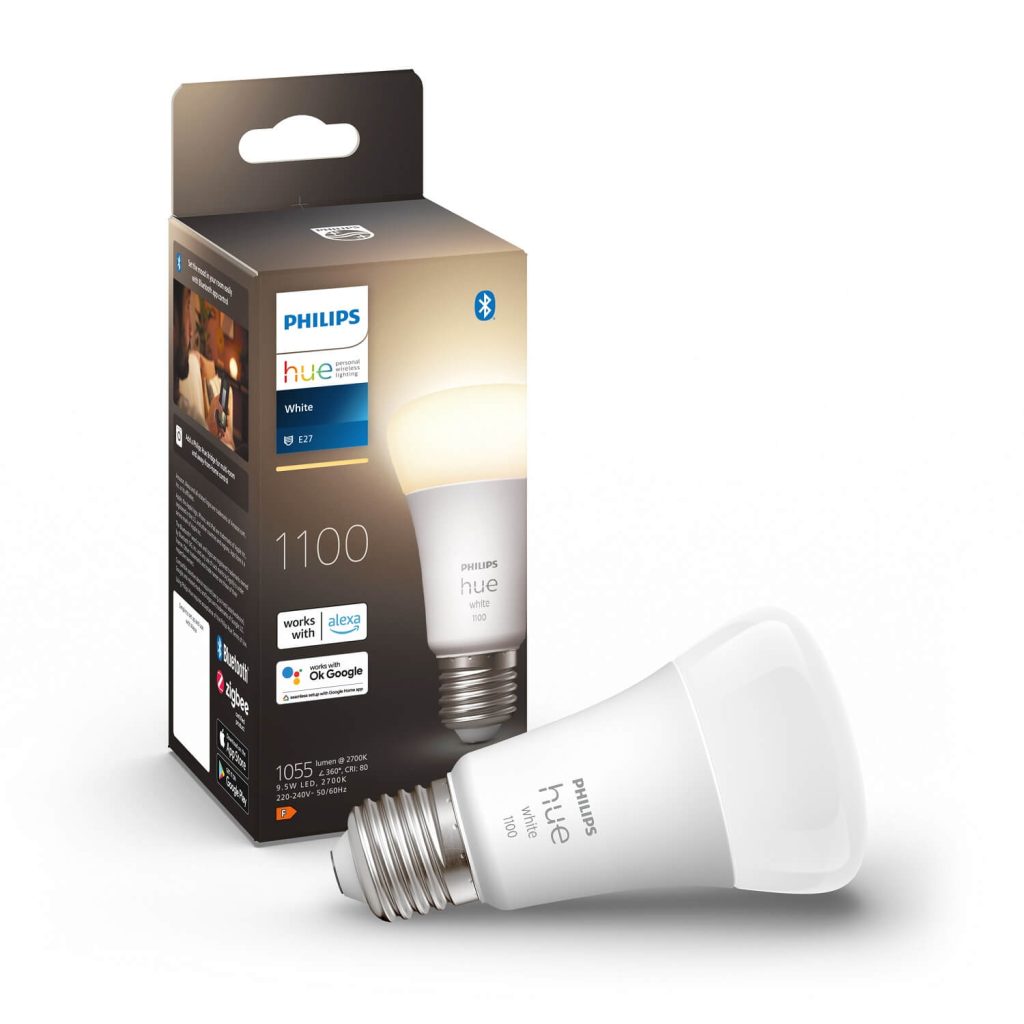
- Hue White – ideal for simple and effective lighting with a warm 2700K light
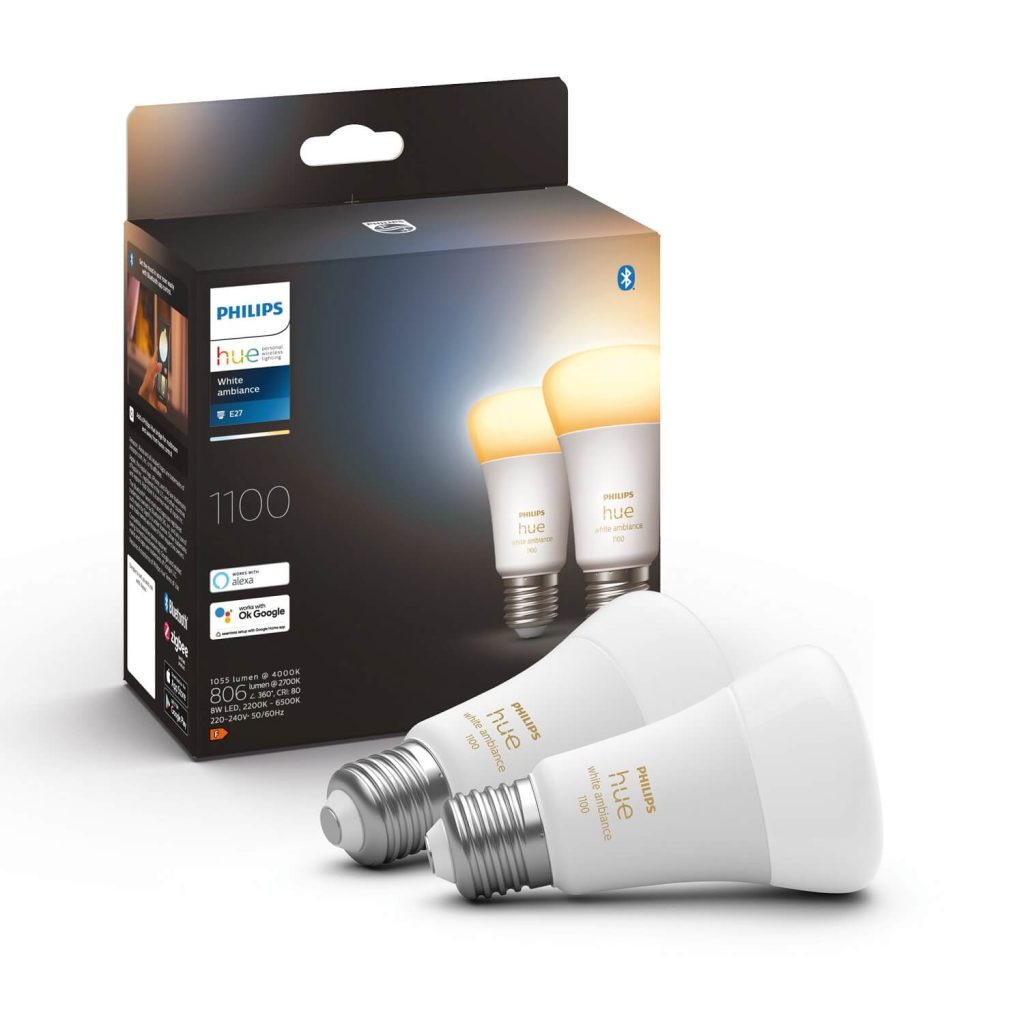
- Hue White Ambiance – perfect for adjusting the light color from warm white to cool white (2200K-6500K)
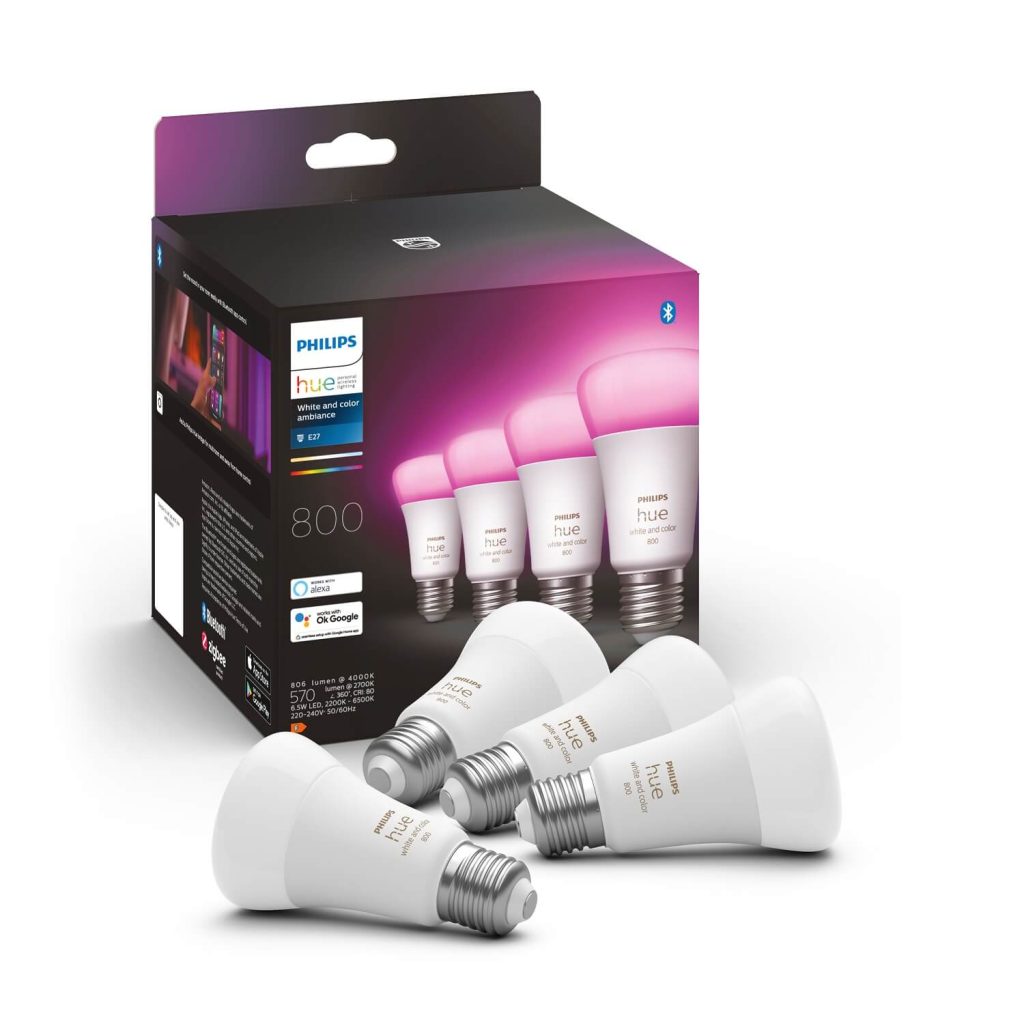
- Hue White and Color Ambiance – offers 16 million colors and a wide range of color temperatures from 2000K to 6500K 🌈
These Philips Hue bulbs are compatible with most common light bulbs, such as E27, E14, GU10 and GU5.3, which means you can choose the best option for each room in your home, depending on power consumption and intensity. 🏡
Special bathroom lighting
For high-humidity spaces such as bathrooms, Philips Hue offers specially designed luminaires with a high degree of moisture protection. They provide both safety and comfort, allowing you to create the ideal atmosphere even in the bathroom. 🚿
How to set up Philips Hue in your home
To enjoy all the Philips Hue features, follow these simple steps:
- Install Hue Bridge – Connect the console to your internet router and make sure UPNP is enabled.
- Set up the Hue app – Download the app to your phone and add up to 50 bulbs or other accessories.
- Control the lights – You can use the app to control each bulb individually or create customized scenes for either party or relaxing. 🛋️
- Automate lights – Set timers and programs to save energy and increase home security.
Practical tips for using Philips Hue
To optimize the use of your Philips Hue system, here are some useful tips:
- Create personalized routines: set the lights to gradually turn on in the morning to simulate sunrise or slowly dim in the evening to simulate sunset. 🌅
- Use LED strips: Philips Hue LED strip is great for subtle under-lighting under kitchen furniture, around TVs or other hidden spots in the home, adding a modern touch.
- Integrate with voice assistants: If you’re using Google Assistant, Alexa or Siri, you can control the light with simple voice commands. 🤖
- Optimize workspaces: In offices or workspaces, use cool white light to increase focus and productivity.
Where and how to use Philips Hue LED strip?
- Ambient under furniture lighting: Place the LED strip under kitchen cabinets or under the sofa to create a visually spectacular effect and add extra light. ✨
- TV or monitor lighting: Fix LED tape behind your TV or monitor to reduce eyestrain and create a movie theater atmosphere. 🎬
- Decorative staircase lighting: Use LED tape on stair treads to provide a subtle glow, ideal for night or to add a stylized effect.
- Outlining bookshelves or bookcases: Mount the LED strip on the edge of bookshelves or bookcases for a sophisticated and modern look.
- The Philips Hue Outdoor LED Strip is specially designed to withstand the weather and is ideal for lighting gardens, patios or pathways, adding a unique atmosphere to your outdoor space. 🌳🌙
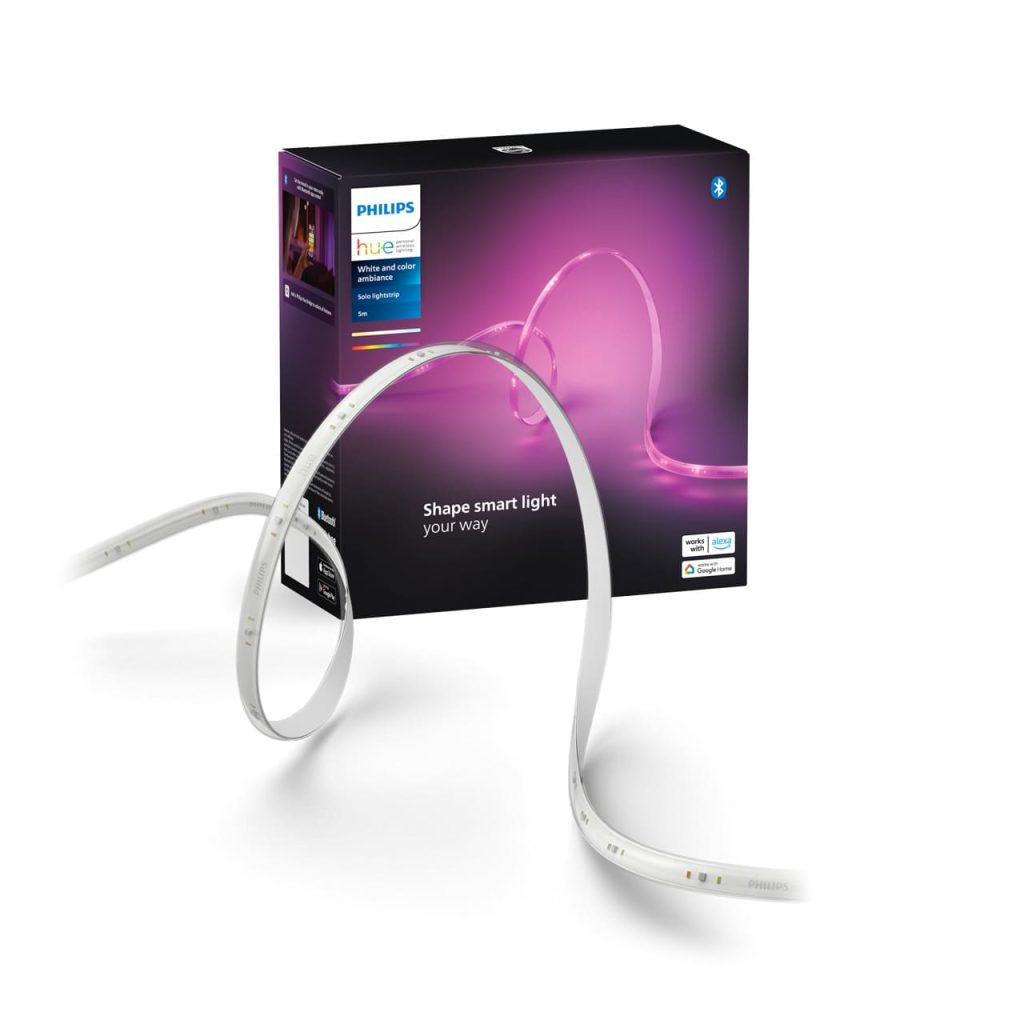
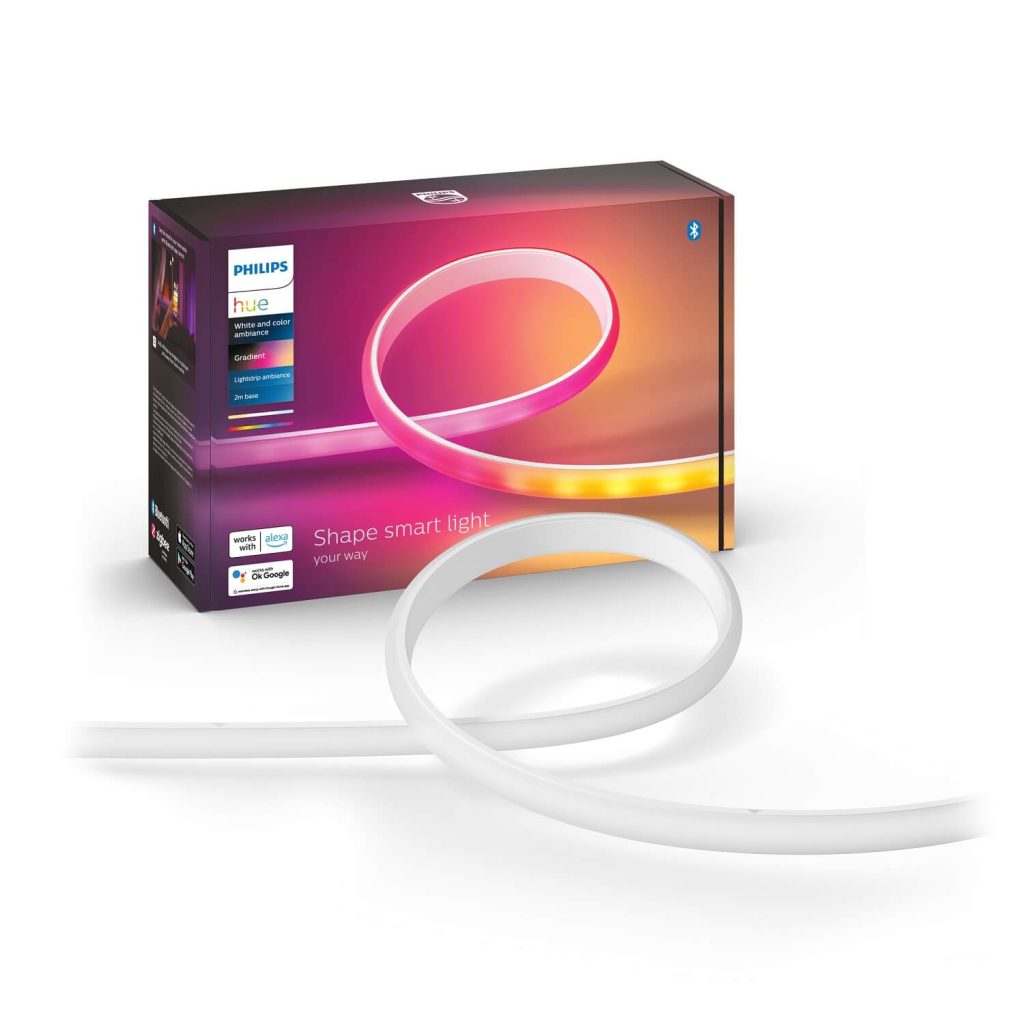
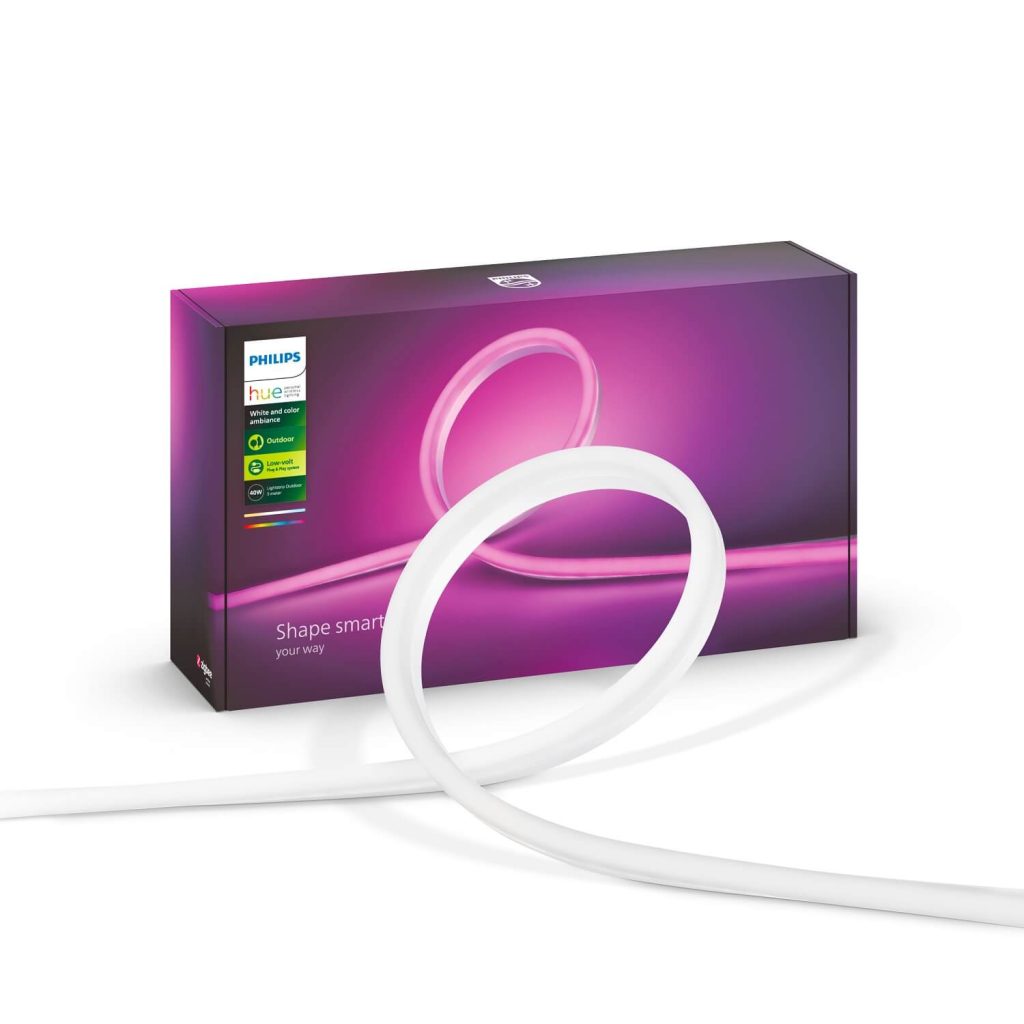
The Philips Hue LED strip offers access to 16 million colors, which means you can set warm, cool or vibrant colors, depending on the mood you want. You can also synchronize the lights with your music or movies for an immersive entertainment experience. 🎶🎥
Philips Hue Connected Lighting is the perfect solution to add comfort and style to your home. With a wide range of products and functionalities, you can customize your lighting exactly the way you want it, whether for moments of relaxation or maximum efficiency. With Hue Bridge, you can fully automate the lights in your home and control everything remotely, making your life simpler and more efficient.